Filestash - 2025 Recap
As 2025 comes to a close, I wanted to take a moment to share a recap of the year, the progress we made, the milestones we reached, and how Filestash evolved over the past twelve months.
Ever since the project started in 2017, the mission was to build a better Dropbox. Literally every alternative were, and still are, building their own silos, with tightly coupled package that works in isolation when you already have ton of storage everywhere around you.
That lack of interoperability feels very wrong, Filestash rejects the existing agreed-upon model and lets you pick and choose the parts you want and connect with what you already have while building a file management platform that works just as well for a small company with a single machine as it does at petabyte scale with thousands of concurrent users or within a F500.
Major Milestone
This year we finally completed the frontend rewrite, moving away from the old React codebase to a future proof vanilla JS frontend. The new frontend is significantly faster, lighter (at around 130 KB of compressed javascript), uses much less RAM, and can load folders with millions of files without ever breaking a sweat.
More importantly, this rewrite unlocked an entirely new plugin system where plugins are simple zip files dropped into Filestash’s plugins folder without recompilation, which lets you:
-
Add support for apps: Want to add a viewer for a particular file type? You can either build your own or drop one of our zip based plugins into the plugins folder. Filestash can now handle formats like PSD, Sketch, CDR, PostScript, DNG, TIFF, Latex, midi, parquet, sqlite, swf and about a hundred more. The full list is available here. Most of those run C code that was compiled to wasm to run from the browser
-
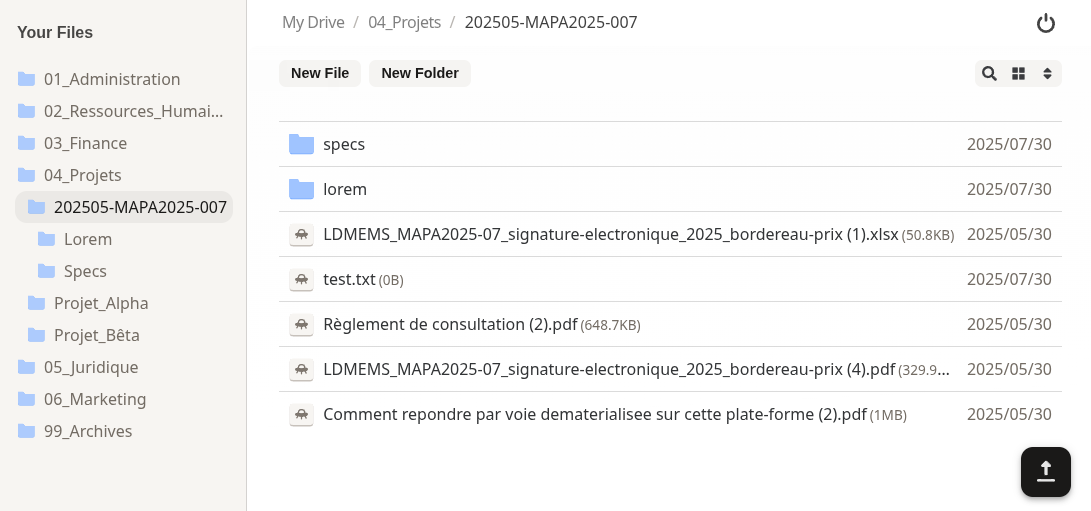
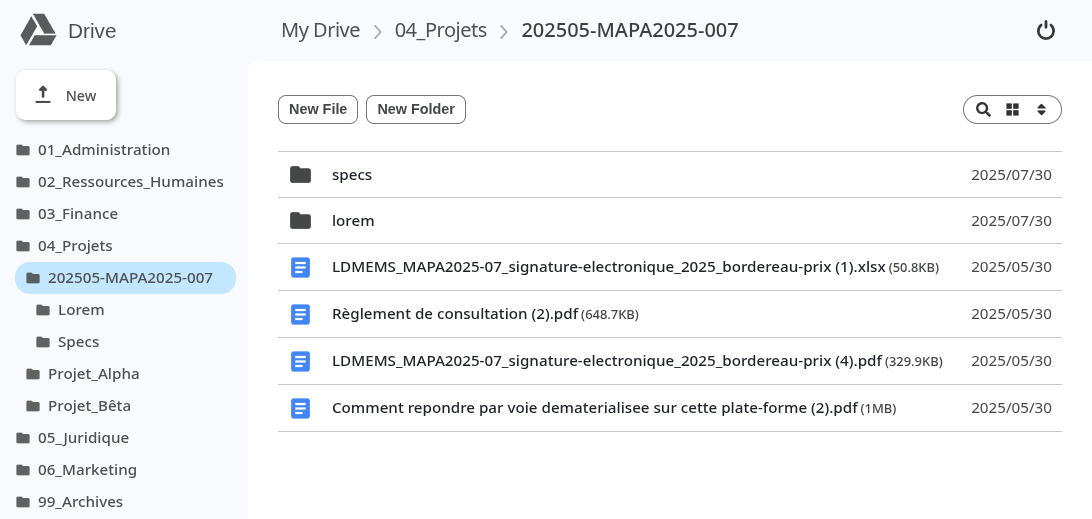
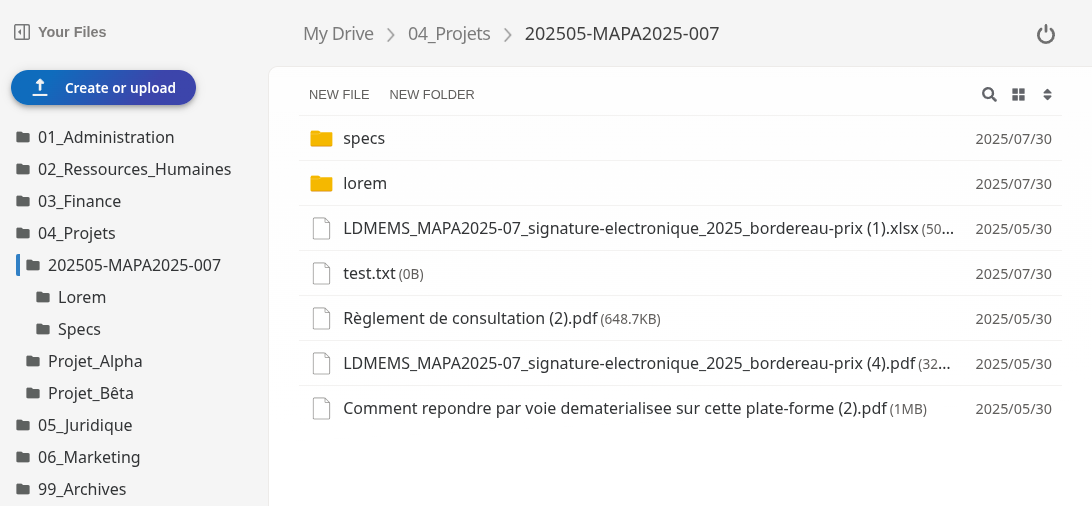
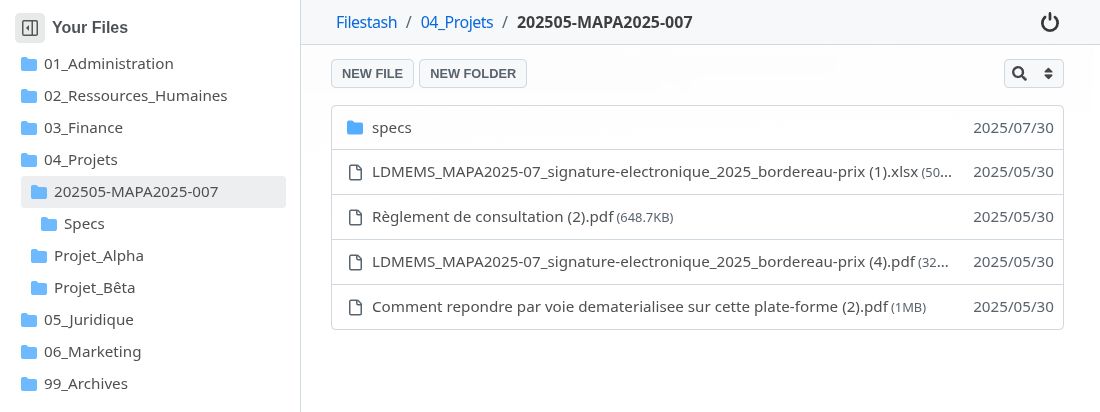
Support themes: We have shipped themes that replicate the look and feel of Dropbox, Google Drive, OneDrive, Github and a few more (docs). The idea, however, is not just to use ours, but to make it easy for you to create your own
-
Customise anything in the frontend: The secret sauce of this new plugin system is the ability to ship diff based patches that are dynamically applied by the server to frontend assets at runtime. This allows you to change almost any aspect of the UI without rebuilding anything.
-
(Coming Soon) Add new functionalities in both the frontend and backend using wasm
Features
There have been quite literally hundreds of changes. The most visible side of the iceberg:
- Standalone binary: One binary, zero dependencies (outside the glib of course). I lost a few hairs getting it to work with our super fast thumbnailing plugin made of carefully crafted C code that is 10x faster than ImageMagick and makes pre generating thumbnails unnecessary but we got it done!
- Metadata and tag support (screenshot): This was delayed for quite a long time because I had high expectations for how it should integrate with the interface, with tags treated as just a particular case of metadata. We also wanted to make sure we could swap out the base plugin implementation for others metadata engine that are more enterprisey like SEDA, METS, PREMIS, Dublin Core, MODS, EAD, MIX, MARCXML, or Adobe Metadata.
- Workflow and automation (screenshot)
- More Authentication options: you can now authenticate using your existing SQL DB via either your existing users table, wordpress, supabase, etc…. use deep URLs from a QRCode or your app redirecting with a JWT token carrying the RBAC information, or via headers injected by a proxy you control, ….
- MCP (screenshot): So you can ask ChatGPT to grab your start page and, if you give it write access, let it run the update directly.
- Virtual filesystem (screenshot): Handy to make your multiple storages appear as one.
- SFTP gateways (screenshot): To your users it’s an SFTP server, but underneath it can be IPFS, NFS, SMB, the virtual filesystem or any other supported storage …
- Antivirus
- Quota
- Versioning
- Public sites: Inspired from the AWS S3 feature that can turn buckets onto static websites. Enable the plugin, create a shared link, and you’re online too!
- Signature that are EIDAS compliant with not only Signatures but Seal and Electronic timestamp
- Compliance with tons of norms like NF Z42-013 / ISO 14641, SEDA 2.1, ISO 14721, NF Z42-020 and other boring acronyms that might be relevant if you ever are in the market for an electronic archiving system / SAE, a DMS (document management system) / GED, a Managed File Transfer (MFT) / File sharing software, an electronic document and records management system (EDRMS), a Digital Asset Management (DAM), or if you are French: un Coffre fort numérique, Système d’Archivage Électronique ou des solutions de Dématerialisation de Documents
- Transfer monitoring (screenshot)
- Authorization middleware (screenshot): There were already several ways to add authorization layers. This is just another option.
- Captcha
- GeoBlock and IP restriction


We have gone through an endless list of bug fixes, UX improvements, vendor specific fixes, documentation rewrite, creation of guides, and improvements over existing features. You know, it’s all those little things that add up, like better file selection, image zooming, improved keyboard navigation, more shortcuts, improved accessibility, 2 additional plugins to handle word files either in plain js or via a wasm build of openoffice, fixing problems that get introduced when you use cloudflare tunnels, …. it goes on and on and on. With the work done this year, Filestash is better than ever, and I hope more self hosted projects would adopt its ability to create extensions, which is becoming more and more like WordPress, but made with Go, C, and ES6.
Next Year
The primary objective for next year is to reach v1.0 🎉