The landscape for self-hosted Office documents in 2026
A few months ago, the LibreOffice team announced the restarting of LibreOffice Online. The r/selfhosted thread that followed made one thing obvious: the community seems to believe self hosting office documents is a choice between Collabora and OnlyOffice. Well it isn’t.
Over the last few years, new options have become usable and the lanscape is much wider than it was a few years back. In fact, they all fall into 2 families:
Client side options
Some solutions run entirely in your browser with 0 server side components. You will find:
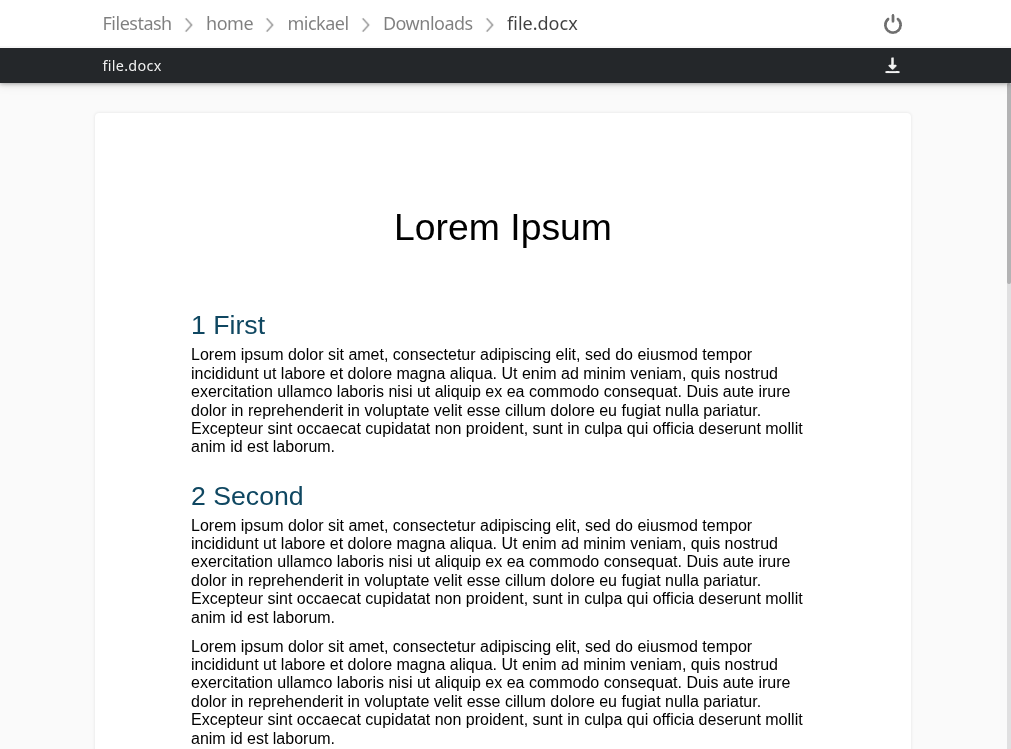
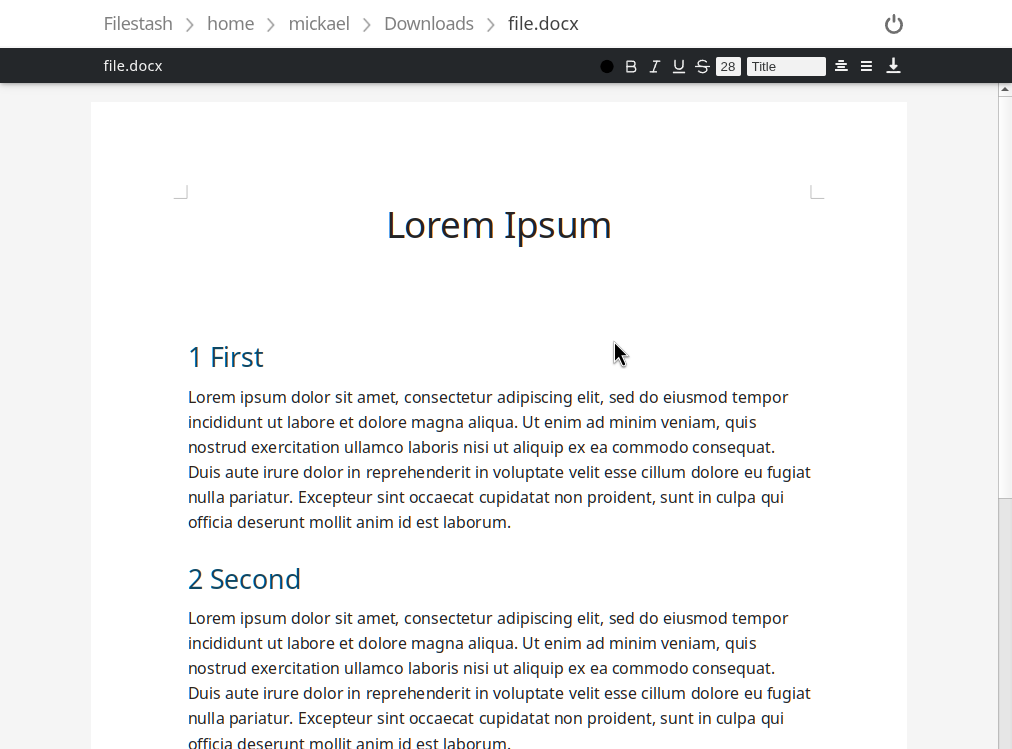
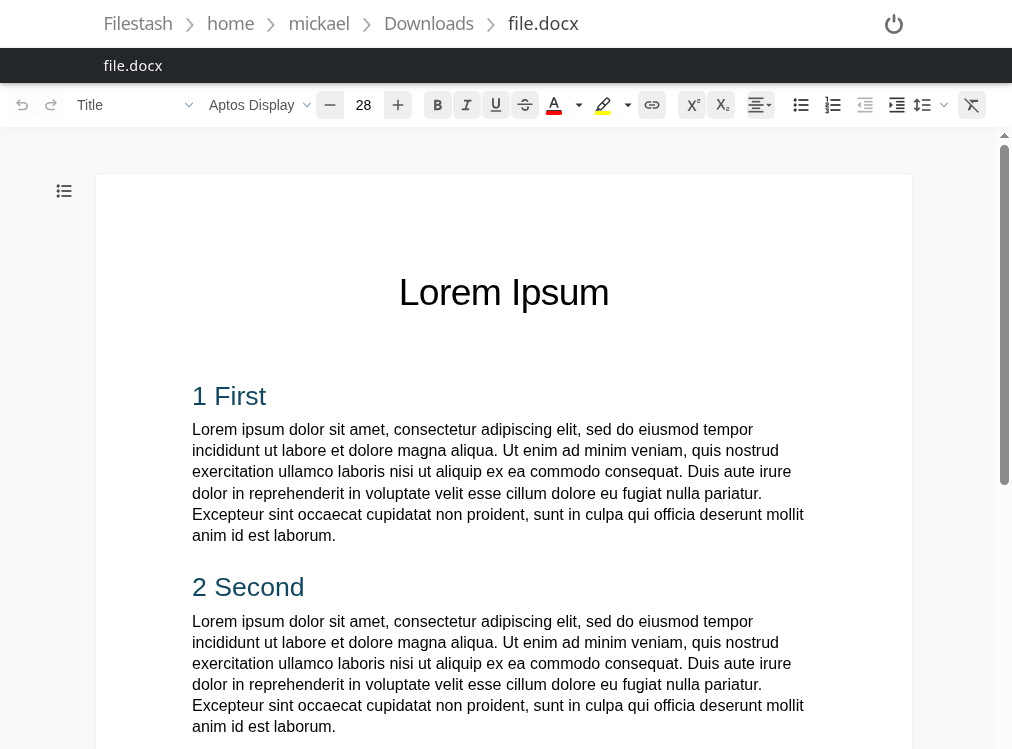
docx.js is a viewer only that is converting your word document into an html file that more or less looks the part. The other 2, LibreOffice wasm and docx-editor don’t just render your docs but are full fledged editors.
If you need to handle more than docx, including the god awful .doc format, LibreOffice wasm is the only game in town. It will open anything you throw at it the same way LibreOffice desktop does, because it’s literally the same codebase compiled for the browser. That power comes with a real cost. The WASM payload is around 50MB even after Brotli compression, and once it’s running it will happily chew through about 800MB of RAM for the privilege. Also, because of Spectre it requires a couple of headers to unlock SharedArrayBuffer.
docx-editor goes the other way. It only handles .docx, but it’s small and fast. The tradeoff is maturity: it’s the newest of the 3, and it hasn’t had the decades of fixes that shaped LibreOffice. Expect rougher edges which will hopefully smooth out over time.
Note: to use the Filestash plugin, put the whole zip in the plugins folder (without unzipping it!) and restart your instance.
Server side options
The gold standard for server side office editors is the WOPI protocol, a protocol made by Microsoft for third party to integrate with Office Online, and which has since taken over the self hosted world.
Microsoft being Microsoft, not everyone can integrate with Microsoft 365 for the web: you need to apply to their Cloud Storage Partner Program, and giving your users the ability to selfhost their own data is against their rules. The very first clause in their minimum requirements mandates: “1. Be a proprietary cloud storage environment owned wholly by the partner company”. That opened the door to other contenders like Collabora and Only Office:
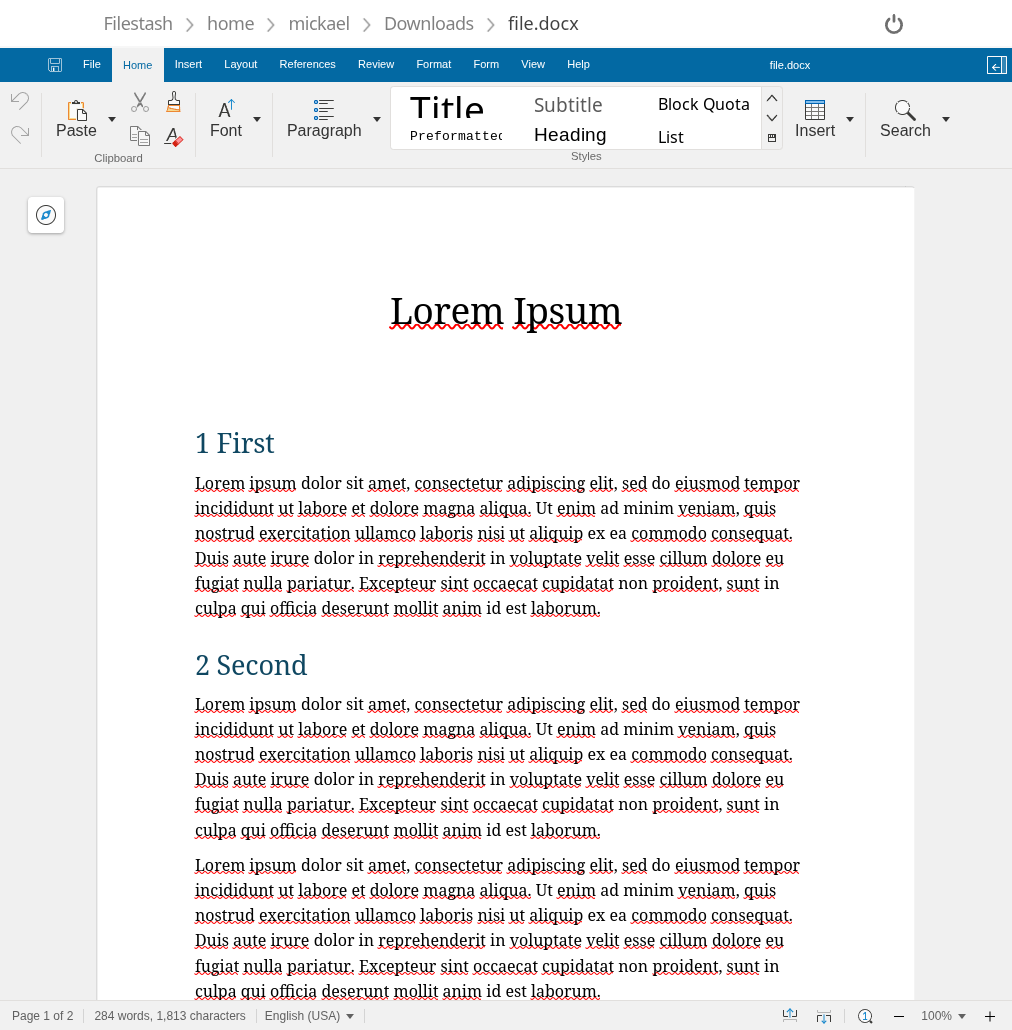
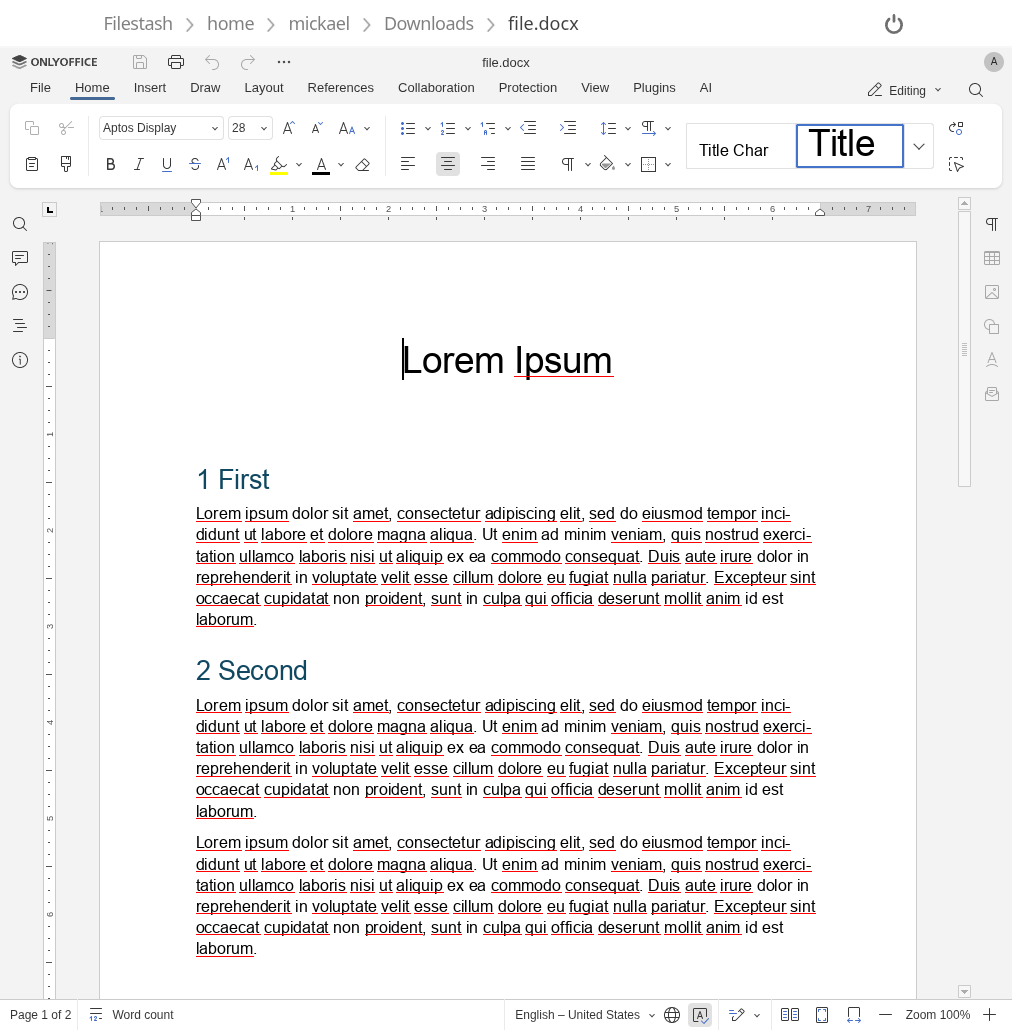
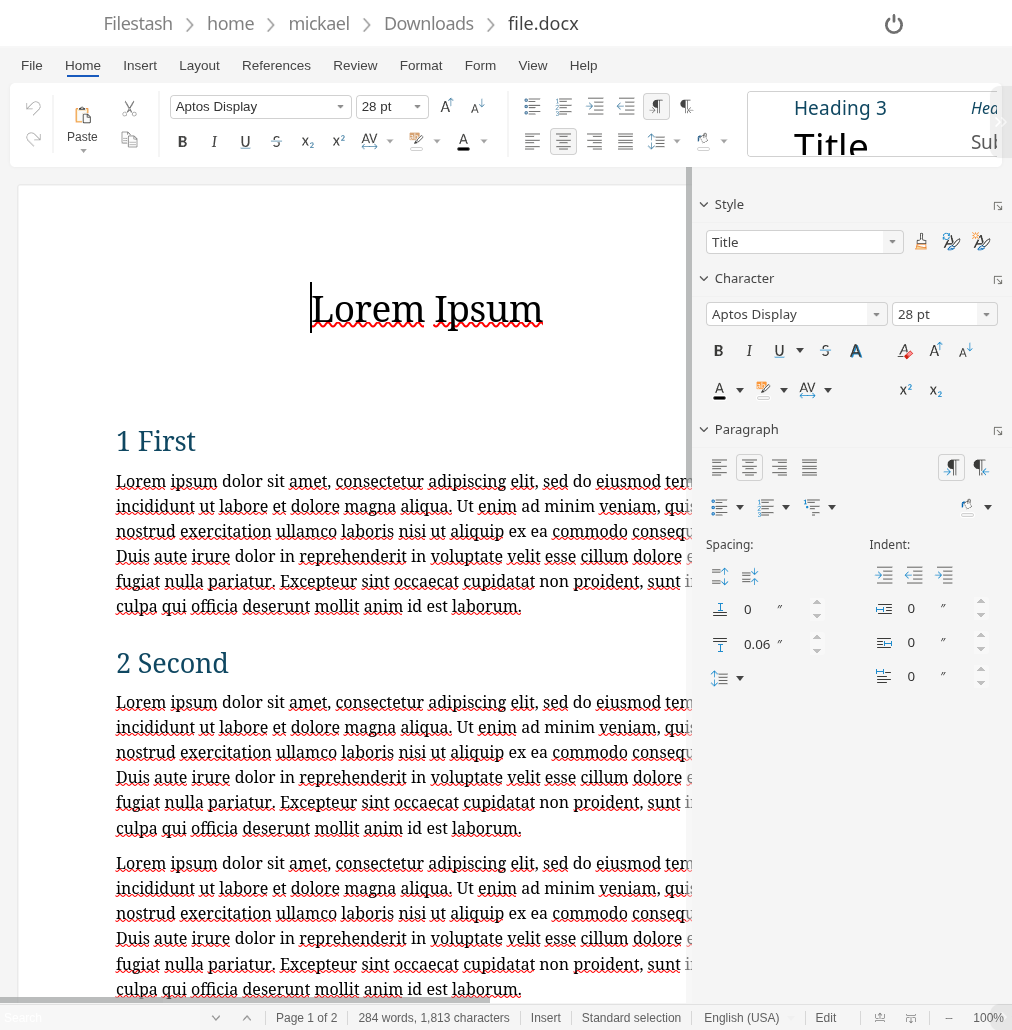
Both can be styled so they look more like the real Microsoft word. For example using our collabora stylesheet, collabora will look like this:
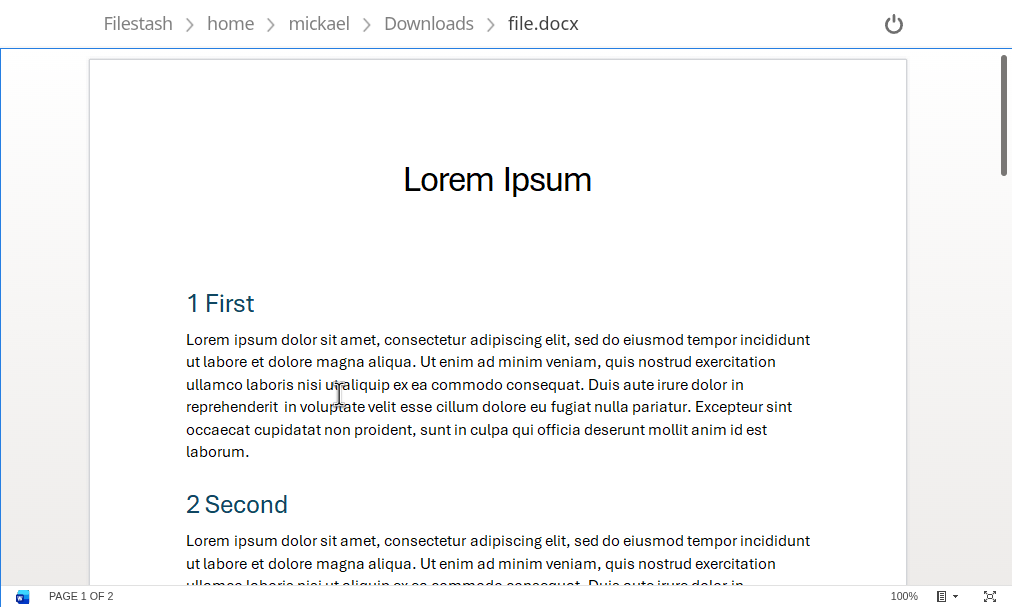
Then come third party vendors who don’t have selfhosting options and requires custom integrations to be made:
Conclusion
There’s no single winner here, only tradeoffs that depend on your situation. If you need collaborative editing, full feature parity with Word, enterprise support, and you have the server to run it, Collabora is my pick today. If document is not where your users spend most of their time, and you’re happy covering the 95% of cases people actually hit, client side options are awesome and much lighter to operate. If you’d rather not run any of this yourself, the commercial SaaS integrators are another trade off.
To use any of these options, Filestash is sticking to its plugin based architecture, so you can use whichever integration works best for you so you can run your very own word online service